.png)

Watch us work.
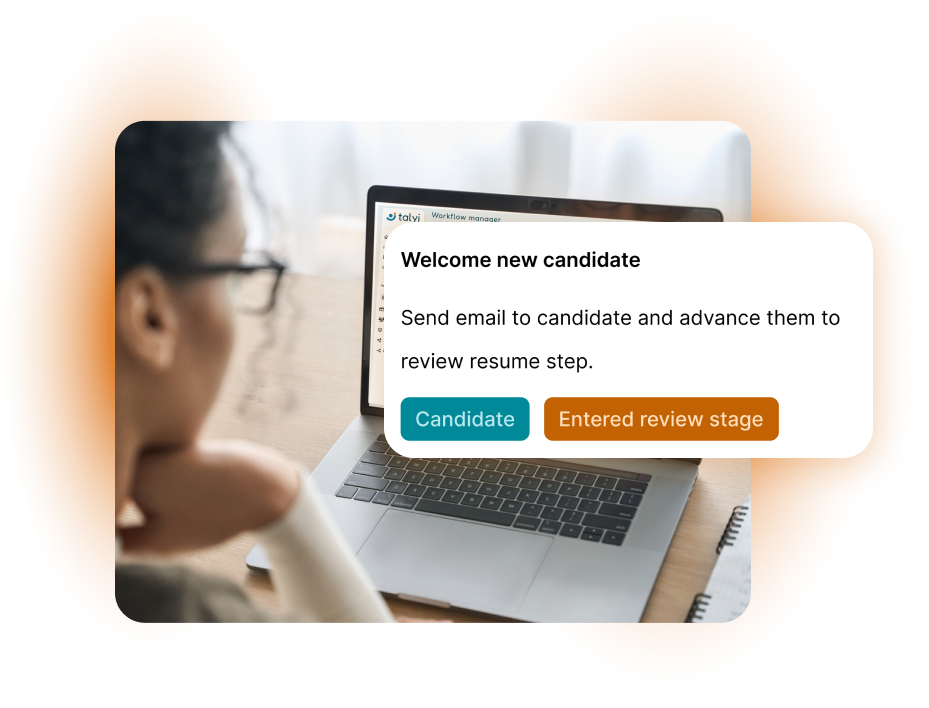
Customize your job pipeline and workflows however you like. With a simple click-and-drag interface and a large selection of actions and logical operators, you can do just about anything. No engineering degree required.
.svg)
Kick off actions based on common events, like “candidate applied to job” or “candidate completed video screening.”

Send an email to the hiring manager, score resumes with our AI engine, or advance the candidate to the next stage. Setup of any action takes a few simple clicks, with zero limits or constraints.

Automations run 24/7, allowing you to focus on your next actions and candidate interaction. Spend your time doing human things, not clicking buttons.
How it works
Navigate to Account > Workflow Mgr to view the library of prebuilt templates or build your own new form or workflow from scratch.
Use the simple click-and-drag interface to connect the actions you need for your triggering event.
Once complete, navigate to your job and under Settings > Pipeline assign your new workflow to your job.